
2020-
Engineering and
Software Solutions
for CFD and FEA



Your are here: Our Products > CastNet


OpenFOAM® and OpenCFD® are registered trademarks of ESI Group.
This offering is not approved or endorsed by ESI Group, the producer of the OpenFOAM® software and owner of the OPENFOAM® and OpenCFD® trade marks.
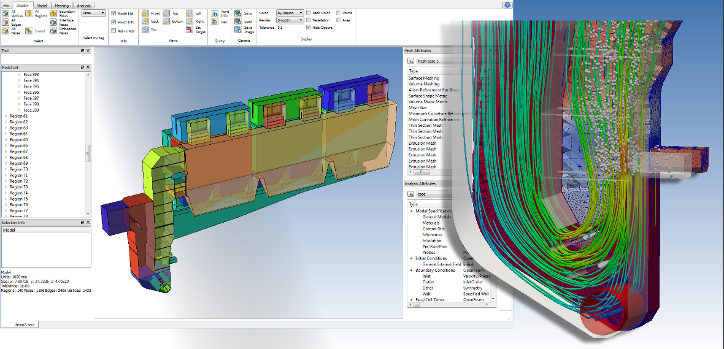
With CastNet, DHCAE Tools provides a complete simulation environment for CFD and FEM. It combines the open-
By pairing powerful open-
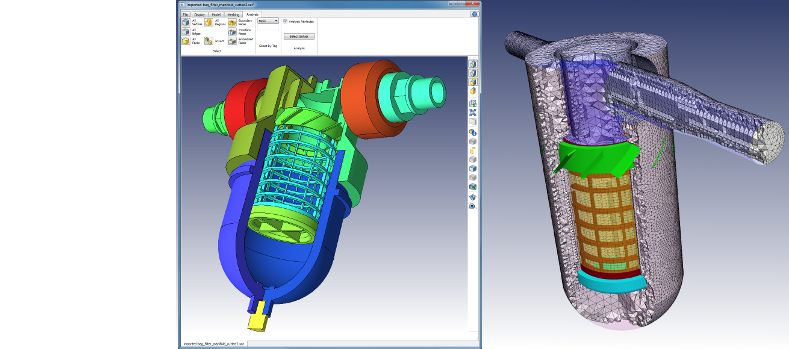
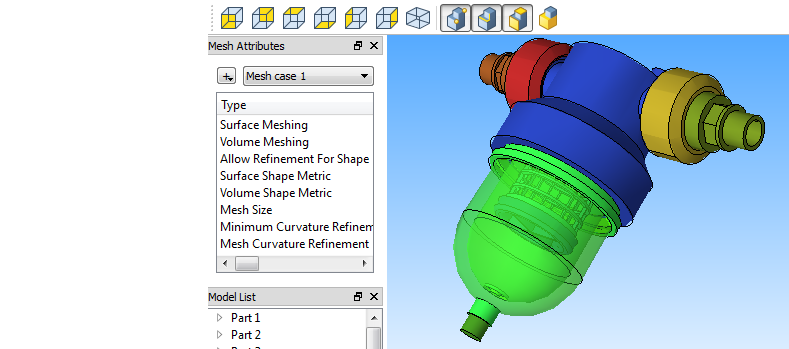
Using a heat exchanger as an example, the following steps illustrate the typical workflow:


All-
for open source solver technology

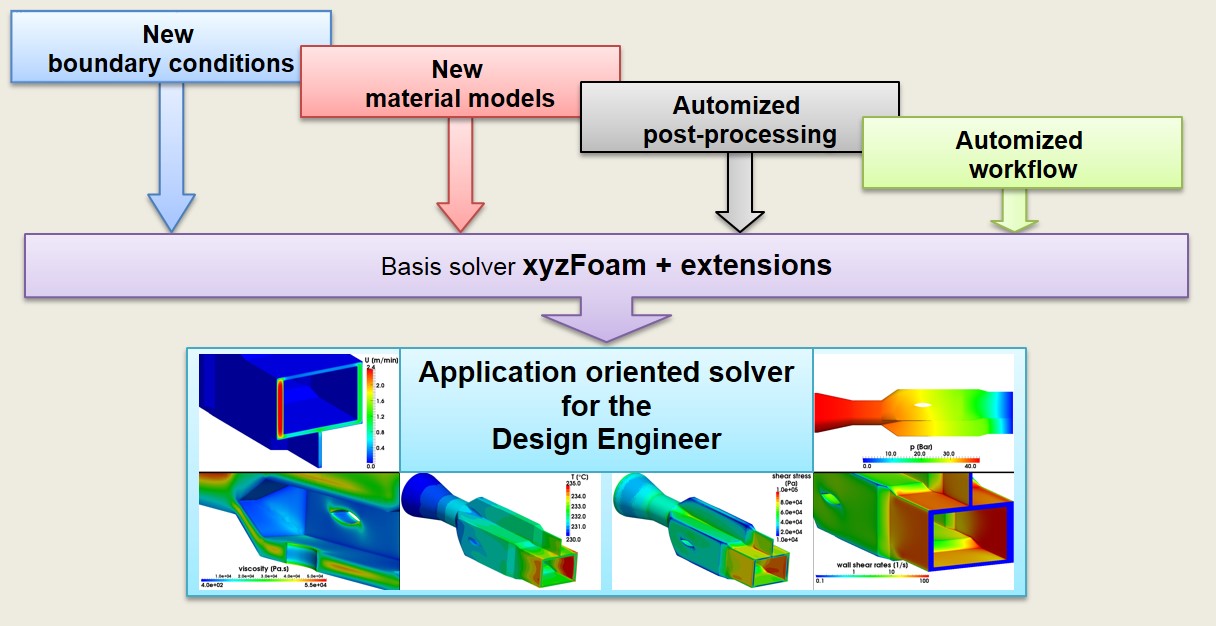
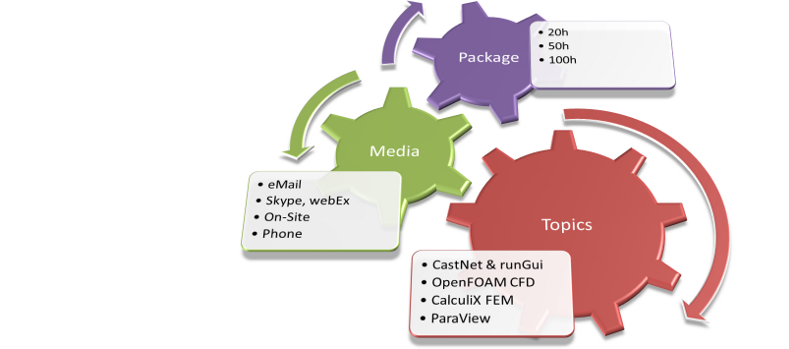
DHCAE Tools supports the whole CFD/FEA workflow: software additions (CastNet), services, training courses, support and solver extensions.



















Geometry-Handling
CAD import: Parasolid, ACIS, STEP, Creo, Catia.
Discrete import: STL or mesh data.
Importing individual CAD models or complete assemblies.
Automated conversion of assemblies into CFD-compatible region models.
CAD manipulation and cleaning options.

Meshing
Available: hybrid meshes with Hexcore and excellent boundary layers, or hexahedron-dominant polyhedral cells.
Quick mesh setup using a template-based approach.
Used here: hybrid meshing with easy-to-create extrusions.
Results in high-quality, efficient meshes with excellent boundary layer transitions for perfect heat-transfer resolution.

Solver set-up
Support for solver settings using a template-based approach with optimized solver-specific settings.
Geometry-based definitions of boundary conditions.
Wide range of boundary conditions.
Easy assignment of volume zones such as porous zones, MRF, CHT or for initialization.
Detailed options for configuring the solution settings, such as the number of processors, matrix solvers, and much more.
Solving
Simulations using Windows or Linux solvers.
We provide all solvers for installation on Windows: OpenFOAM Foundation and OpenCFD, CalculiX, preCICE for FSI.
Fully parallelized calculations with no solver overhead on any number of systems.


Monitoring with detailed job control using RunGui.
Post-processing
Monitoring key results even while the solver is running.
Extraction of relevant data, such as integral heat fluxes, directly with RunGui.
Post-processing with Paraview (open-source) with extensive visualization options such as contour or vector plots, path lines, or the creation of animations.
Detailed and precise access to simulation results.
Also included
Non-linear structural analysis with CalculiX.

Coupled analyses option: mapping of the temperature field in the solids in the structural model.
Determination of thermal stresses in solids.
Complete workflow integrated into CastNet/RunGui.
General
- Steady-state and transient flows
- Incompressible and compressible flows
- Porous zones for resistance modelling (e.g. filters)
- Rotating zones (e.g. MRF) or sliding meshes
- Wide range of RANS and LES turbulence models
- Non-Newtonian flow
- Temperature- and pressure-dependent material properties
- Passive scalars, e.g., for mixing or age
- Source terms for various applications

Example: Butterfly valve
Heat transfer
- Forced and natural convection
- Buoyancy flow
- Conjugate heat transfer (CHT)
- Reactions and combustion
- Phase transfer e.g. evaporation
- Radiation modeling using different models
- Extensive definition options for temperature-dependent material properties for fluids and solids
Example: Quench – cooling hot gas with evaporating droplets
Multiphase

- Different interface capturing (MULES / IsoAdvector)
- Moving bodies in free surfaces (RBM)
- Wave tools
- Surface tension and wall contact models
- Adaptive mesh refinement (AMR)
- e.g. bubble column and gas-injected systems
Drift flux approach, e.g. for slurries
Mixing of liquids
Example: Swirl-nozzle atomisation with AMR
Particle methods
- Inert particles
- Particles with interaction (e.g. cooling)

- Particles with phase transfer (e.g. vaporating particles)
- Erosion models
- Wide variety of injectors, such as cone injectors, patch injection, or cell-zone injection
- Various options for defining particle size
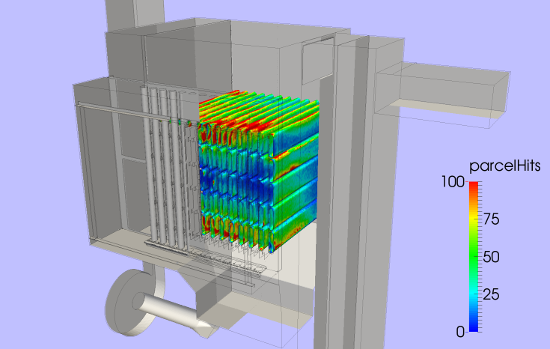

Example: Particle separation in cyclone


Mesh motion & mesh manipulation
- Sliding meshing (e.g. for rotating applications such as mixers or pumps) with different approaches: AMI or NNC
- Rigid body motion (RBM)
- Mesh morphing e.g. for injection processes or RBM
- Overset meshes (Chimera grids)
- Adaptive mesh refinement (AMR)
Example: Overset mesh set-up in CastNet
FE model
- Second-order curved elements
- Easy combination of high-quality hexes with other element types, such as tetrahedra
- Static
- Dynamic implicit / explicit
- Coupled temperature-displacement
- Heat transfer
- 3D volume elements
- Shells, membranes, 2D elements
- Rods, beams, springs, dampers, rigid

Example: Set-up for a CalculiX case
Nonlinear
- Node-to-face (small / large)
- Surface-to-surface
- Mortar / PG-Mortar / linear
- Pressure overclosure
- Linear elastic
- Plastic
- Hyperelastic
- Temperature-dependent models and thermal expansion
Data transfer to Paraview.

Example: Contact analysis with CalculiX in CastNet
Coupled
- Use of temperature fields from OpenFOAM CHT analysis for thermal stresses
- Mapping of pressure on walls in the structural model for deformations and mechanical stresses
- Mapping from different regions
- Optimised handling of nodes at interfaces such as shared faces or edges
- Mapping of time-series

Example: FSI analysis – deformation of a manifold by internal pressure


FSI
- Fully transient implicit coupling tool between OpenFOAM and CalculiX
- Comprehensive, high-quality mapping methods such as RBF mapping
- Efficient relaxation methods such as Aitken or IQN-ILS
- Visualisation of the combined results in Paraview
- Windows version provided by DHCAE for installation
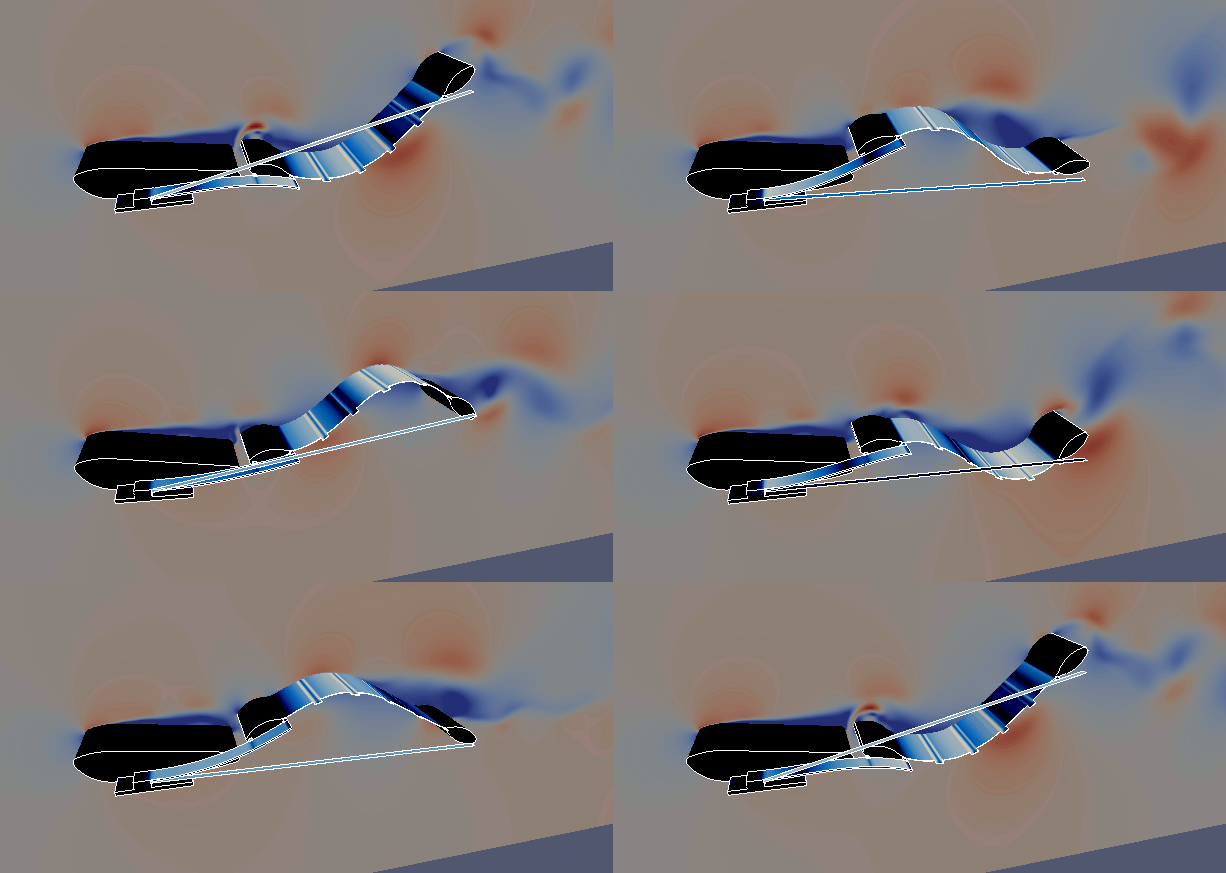
Example: Complex FSI analysis of a tidal energy converter with real prototype comparison
|
|
|
|
|
|
|
Video 1: Feature and workflow |
Video 2: CFD- |
Video 3: Conjugate heat transfer - |
Video 4: Thermal stresses with CCX based on cht analysis |
Video 5: Pump modeling without extracting fluid domain |


CFD capabilities at a glance — all examples modelled with CastNet
Integrated structural mechanics and coupling — including full FSI with preCICE, all examples modelled with CastNet
Why CastNet?
CastNet turns powerful open-source solvers into a productive, industry-grade CAE workflow. Instead of hand-editing text files, you set up, mesh, run and evaluate your OpenFOAM® and CalculiX simulations through professional, purpose-built GUIs — while keeping full compatibility with standard solver releases. The result is a faster, more reliable path from CAD model to result, at a fraction of typical licensing costs. The topics below summarise what CastNet adds to open-source CAE — click a heading to read more.
A complete GUI-based environment for pre-processing (meshing, case setup), solution monitoring and post-processing. It provides access to powerful open-source solver capabilities without editing text files or needing to know OpenFOAM®'s keyword structure in detail. Detailed job and convergence control in RunGui adds reliability and confidence in the results. You keep full flexibility and can switch between GUI-based and text-file case setup at any time, while retaining full compatibility with standard OpenFOAM® releases.
Reliable, stable and high-quality CFD and FEA meshing based on CAD-kernel geometry. Case setup is fast and consistent for more than 30 OpenFOAM® solvers thanks to a comprehensive template library.
Fully GUI-integrated automation of CFD design studies based on CAD data, including structured result aggregation. This significantly reduces the time from CAD model to run-ready case compared with using open-source solver technology directly.
Flexible use of OpenFOAM® on Windows and Linux (local, server or cloud). Exported cases are cross-platform and can be moved easily between operating systems. CastNet stays up-to-date and compatible with current OpenFOAM® versions from the OpenFOAM Foundation, ESI and blueCAPE (Windows). All open-source solvers are available to download from our website for Windows!
Extended solution capabilities through coupled CFD/FEA analysis for thermal stresses and mechanical fluid-structure interaction (FSI) with preCICE.

See more videos in our CastNet playlist on our YouTube channel.
CastNet video examples
The videos demonstrate the usage of CastNet on Windows and Linux.

Interested? Try CastNet for free for one month!
Extremely simple to install and ready to use straight away:
We provide all open-